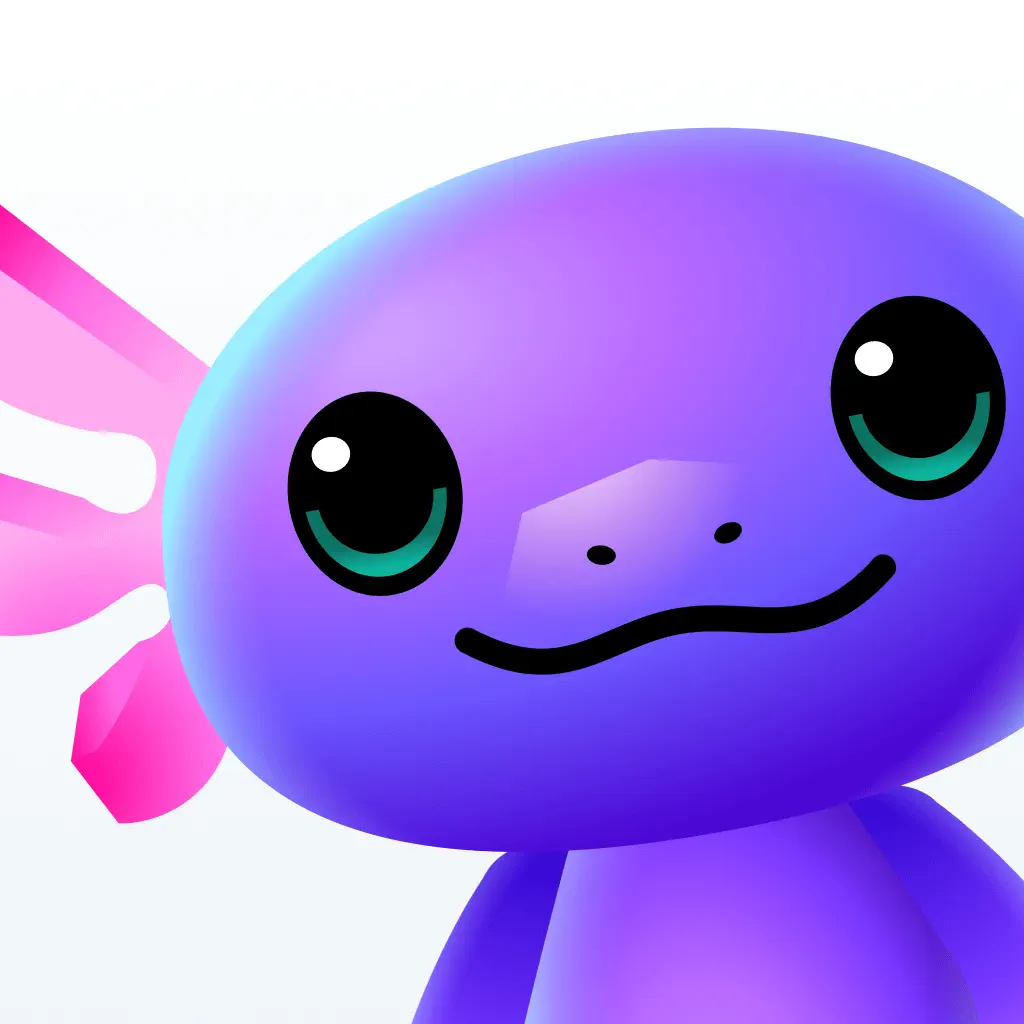
Gizmo Icon & App Logo
by Save All · Gizmo: AI Tutor
Tags
Palette
Sizes

On the home screen
 DuolingoGizmo
 ClassDojoDuolingoGizmoClassDojo
App info
- Developer
- Save All
- Category
- Education
- Price
- Free
- Rating
- 4.8 (13,825)
- Age rating
- 4+
- Version
- 3.2.77
- First released
- Feb 17, 2022
- Last updated
- Sep 20, 2026
About the app
Gizmo is the easiest way to learn - AI Import: Import anything and turn it into flashcards fast! You can convert Quizlet, Anki, YouTube, PDF, Notes, PowerPoint, and more! - Scan notes: Scan handwritten notes to turn them into flashcards and quizzes - Quizzing: Fun quizzes make learning feel like a game - Spaced repetition and active recall: Gizmo uses the most advanced techniques to help you remember what you learn - Pre-made decks: Quickly find 1,000,000+ free public flashcards made by other students - Organised: Organise your studying with files and decks - Gamified: Make study into a game! - Free flashcards - AI learning assistant / AI tutor - Active recall quizzes - Spaced repetition - Leaderboards and study games - Simple and minimalistic aesthetic - Scan pictures and photos to make flashcards - Shared decks - Multiple choice questions - Written questions As seen on TikTok and In